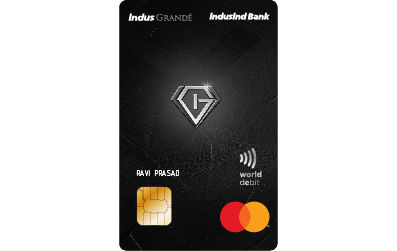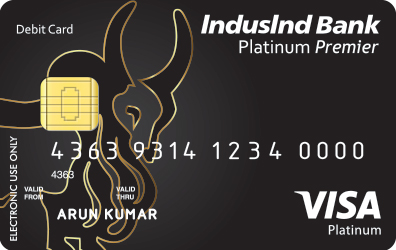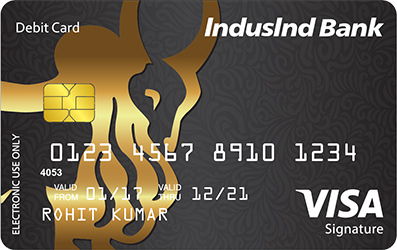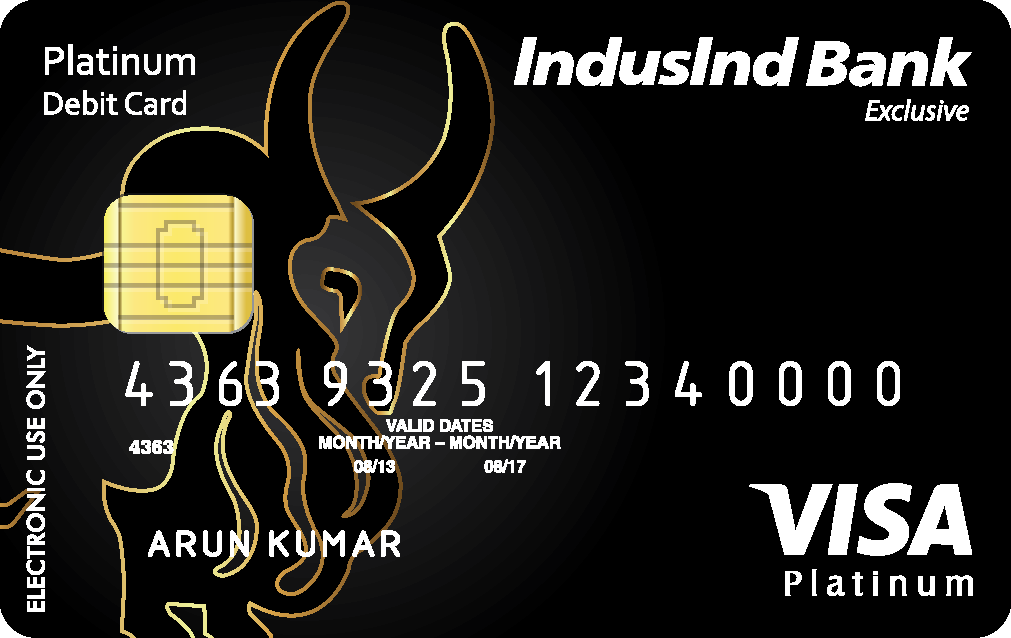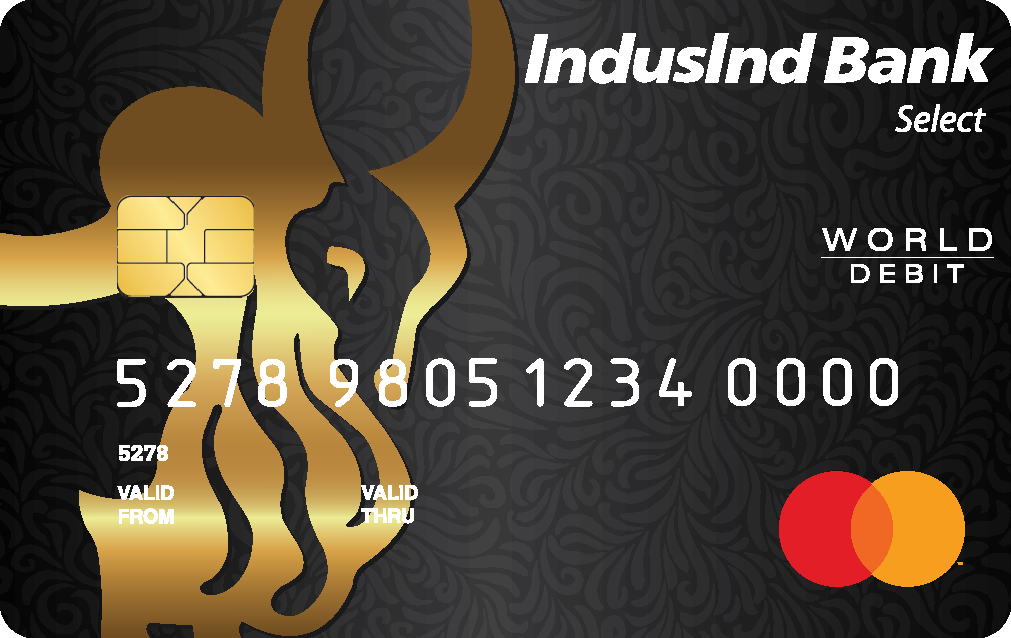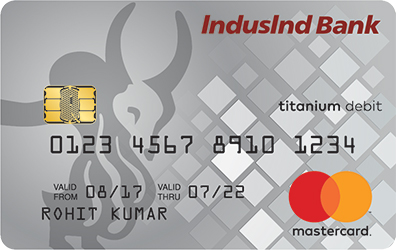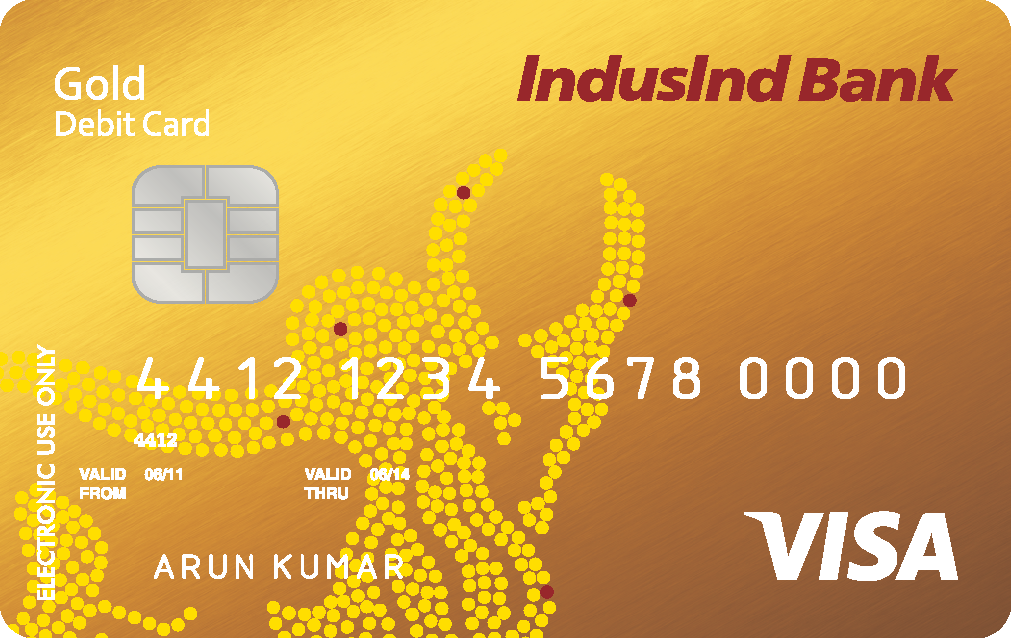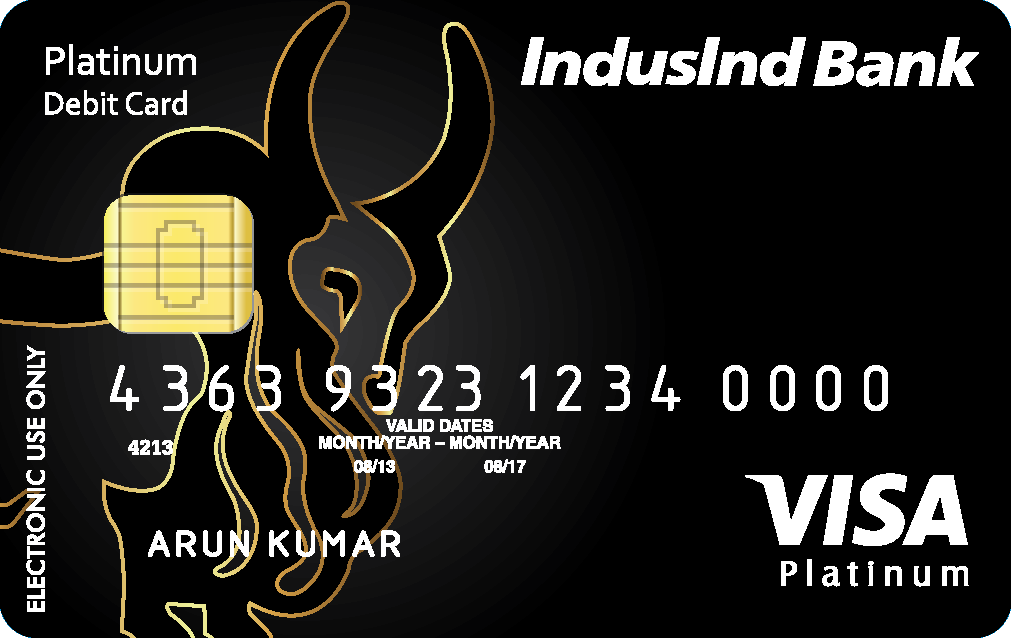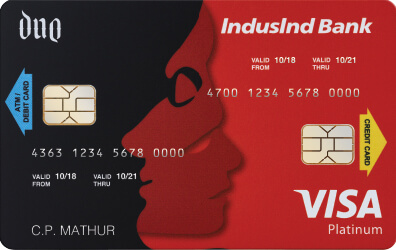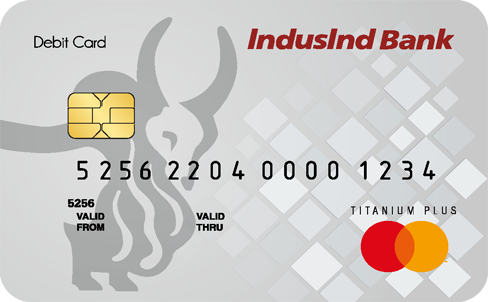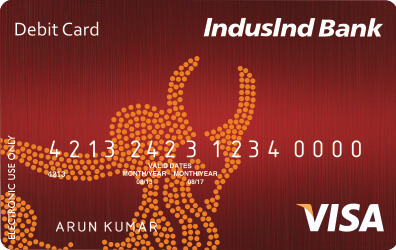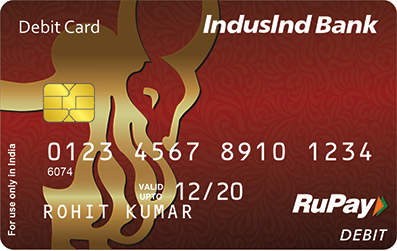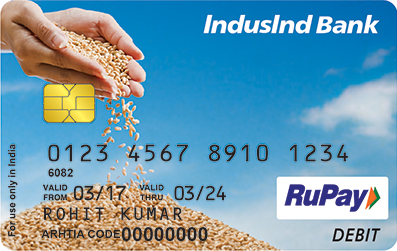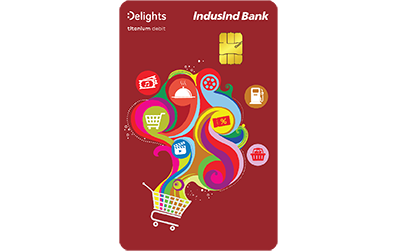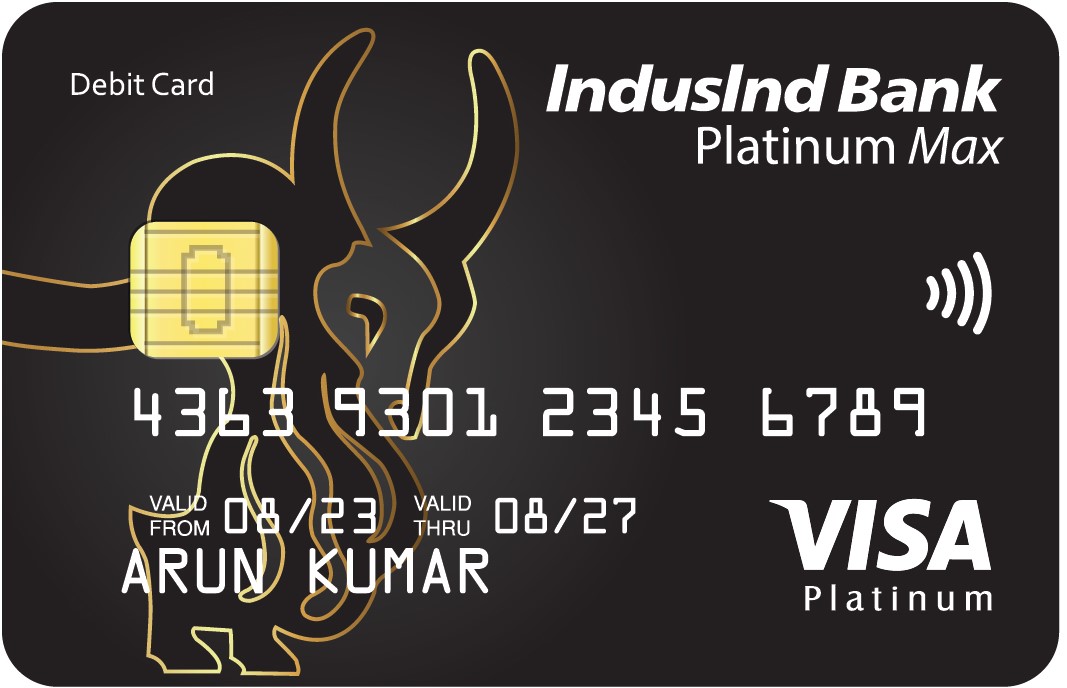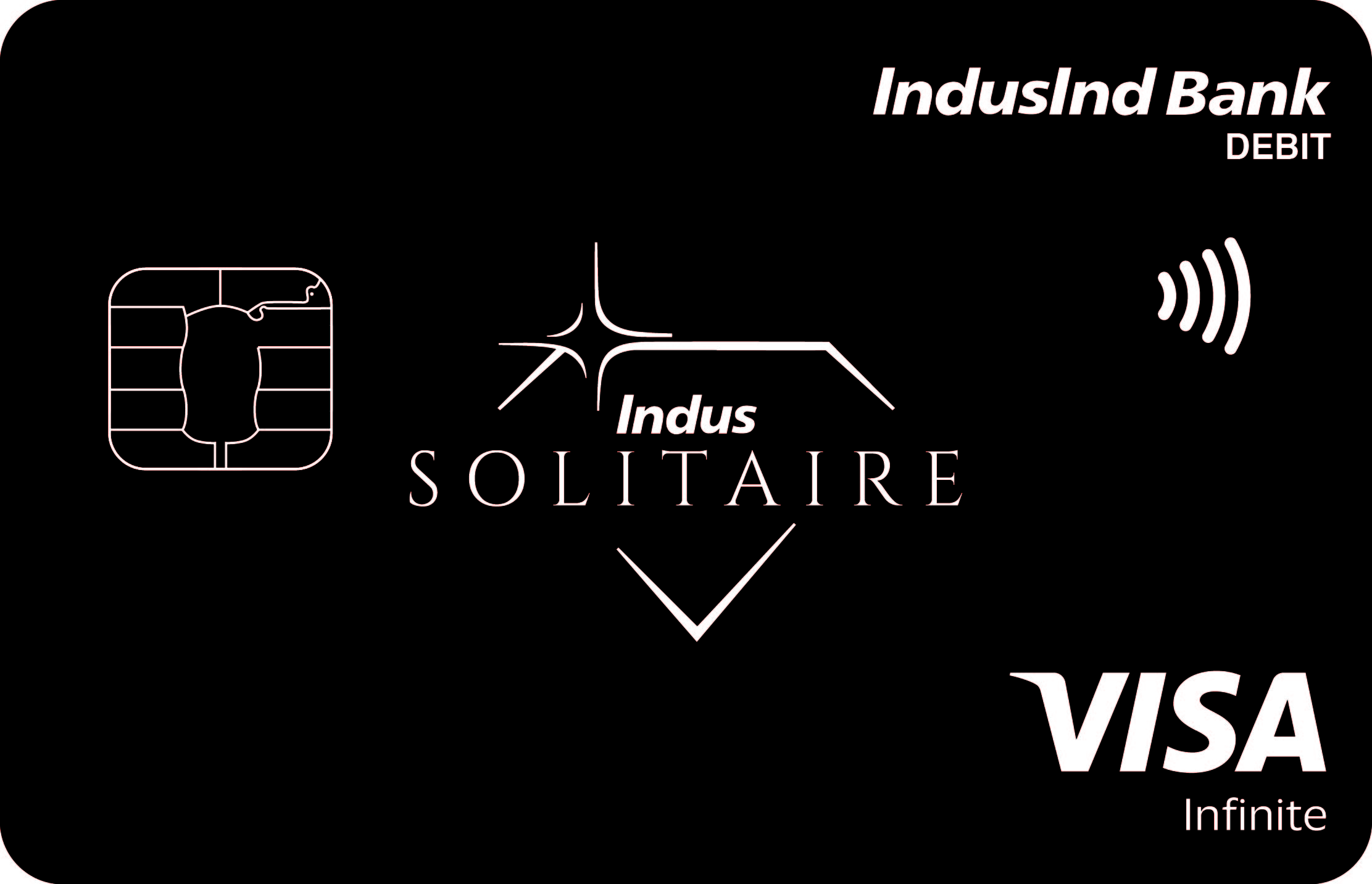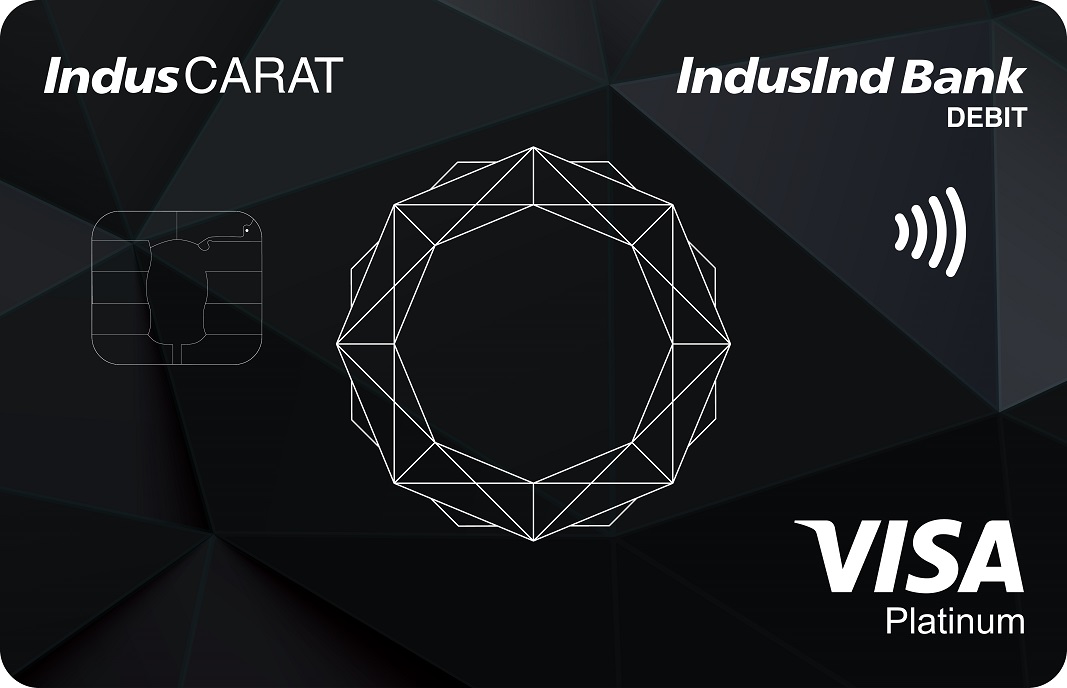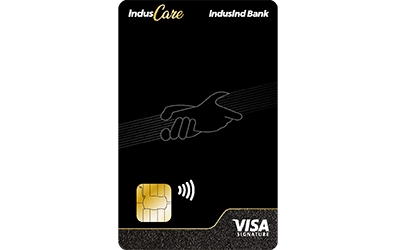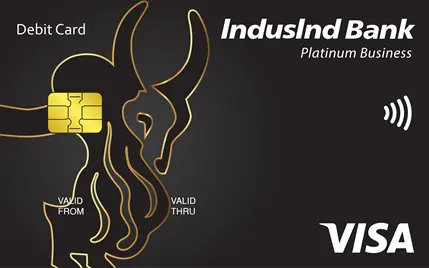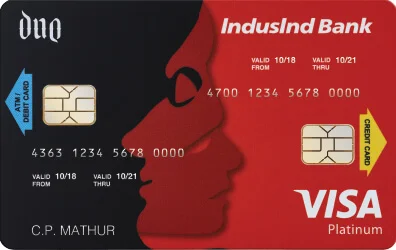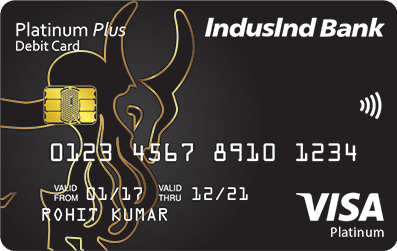

Choose a Debit Card that fits your lifestyle

Refine By

Benefits

Fees


Exclusive Advantages on Debit Cards

Our debit cards promise an effortless banking and transaction experience

Debit Card FAQs

Debit cards are issued by banks and are linked to accountĀ holders’ Savings or Current account with the Bank. TheĀ DebitĀ Card can be used toĀ securely and conveniently withdraw cashĀ from an ATM, purchase of goods and services at points of saleĀ (POS)Ā terminals or e-commerce (online purchase). They can be usedĀ domesticallyĀ orĀ internationally.

IndusInd Bank Debit Cards are packed with a host of features and benefits. Here are a few reasons why you should apply for an IndusInd Bank Debit Card:Ā 

  • - A diverse selection of cards to fit every lifestyle and preference.
  • - Reward points on everyday purchases.
  • - Attractive offers, such as free movie tickets, complimentary lounge access, discount on Zomato and Big Basket, personal accident cover, fuel surcharge waiver, and more.
  • - Cash withdrawal at any ATM within the prescribed limit.

DebitĀ Card can be applied at theĀ timeĀ of account opening by choosing theĀ DebitĀ Card variant as perĀ eligibility.Ā The account holder mayĀ alsoĀ apply forĀ a DebitĀ Card atĀ a laterĀ point in time as well by visiting the nearest branch or calling the Contact Centre of the BankĀ onĀ 1860 267 7777.

Here are the steps to apply for an instant IndusInd Bank Debit Card.Ā 

  • - Visit the IndusInd Bank Debit Card webpage.
  • - Review the available debit card options, select the one that suits you best, and click on ā€˜Apply Now.’ 
  • - Fill in the basic details such as your name, mobile number, and email to get started.
  • - An interaction ID will be generated that you’re requested to save for futureĀ reference.
  • - An IndusInd Bank executive will contact you shortly to guide you through the next steps of your debit card application.

When you apply for an IndusInd Bank Debit Card, your details, including your mobileĀ number andĀ emailĀ address,Ā are registered with us.

We will send regularĀ alertsĀ to your registered mobile numberĀ and e-mailĀ regardingĀ your debit card application status.Ā 

For any assistanceĀ regardingĀ your debit card application, you can also contact us on our Helpline Number - 1860 267 7777Ā or write to us atĀ reachus@indusind.com.

For any assistanceĀ regardingĀ your debit cardĀ Delivery, you canĀ contact us on our Helpline Number - 1860 267 7777Ā or write to us atĀ reachus@indusind.com.

MORE FAQs

AsĀ perĀ the mandate issued by RBI,Ā IndusInd BankĀ Debit CardsĀ are enabledĀ for Domestic ATM & Merchant TransactionsĀ (POS)Ā at the time of issuance/ reissuance/ replacement/ renewal.Ā Ā Ā 

For your safety it isĀ requiredĀ to generate PIN for debit card before you perform the first transaction,Ā you canĀ enableĀ Contactless, Online, International transactionsĀ on your IndusInd Bank Debit card by using theĀ IndusInd Bank Mobile Banking App- INDIE AppĀ orĀ InternetĀ Banking.

Also, you can visit the nearest IndusInd Bank branch with original ID proof to get your IndusInd Bank debit card enabled for Contactless, Online, International,Ā device-basedĀ tokenization transactions or you can also contact us on our Helpline Number - 1860 267 7777 for the same

You canĀ set/resetĀ your IndusInd Bank Debit Card PIN in a few simple steps.

  • - Open the IndusInd Bank Mobile Banking App- INDIE App.

  • - Tap on ā€˜Debit Cards on the home screen.
  • - Select the Reset PIN option to set your PIN.
  • - Enter the new PIN and re-enter it to confirm.
  • - Press ā€˜Yes’ to continue and authenticate via OTPĀ Ā Ā 

Now go to transactionĀ limitsĀ and enable the E-commerce flag to enjoy exciting debit card offers; For offers and other debit card related infoĀ click here Ā 

Alternatively, you can also set your Debit card PIN using IndusInd Bank Internet banking or call the Contact Centre at 186026777777.

Further, you may also reset your Debit Card PIN using the following link:Ā IndusInd Instant PIN

You can block your IndusInd Bank Debit Card in the following ways:

Through theĀ IndusInd Bank Mobile Banking App- INDIE App:Ā 

  • - Open theĀ IndusInd Bank Mobile Banking App- INDIE AppĀ 

  • - Go to the debit card section. Select your debit card and thenĀ 
  • - Go to Manage Cards. SelectĀ BlockĀ Permanently and thenĀ 
  • - Choose the correct reason for blocking.Ā 

Through SMS: Send SMS <LOST DDMMYYYY> to 9223512966 from your registered mobile number, where DDMMYYYY refers to your date of birth in day-month-year format (for example, 05 March 1988 should be entered as 05031988)

Through Phone Banking: Call 18602677777 to block your debit card.

Through Internet Banking:

  • - Open theĀ IndusInd Bank Internet Banking Portal

  • - Go to the debit card section. Select your debit card and thenĀ 
  • - Click on Permanent Block and then
  • - Choose the correct reason for blocking

You should block your IndusInd Bank Debit CardĀ immediatelyĀ if lost/stolen/ damaged in either of the following ways:

  • - Through the IndusInd Bank Mobile Banking App- INDIE App:Ā 

    1. Ā  Ā  1. Open the IndusInd Bank Mobile Banking App- INDIE App and go to the debit card section.
    2. Ā  Ā  2. Select your debit card and then go to Manage Cards.
    3. Ā  Ā  3. Select block permanently and then choose the correct reason for blocking.
    4. Ā  Ā  4. You can get in touch with your branch for a re-issuance of your debit card.

  • - Through SMS: Send SMS <LOST DDMMYYYY> to 9223512966 from your registered mobile number.

  • - Through Phone Banking: Call 1860 267 7777 to block your debit card.

  • - Internet banking:Ā 

    1. Ā  Ā  1. Open the IndusInd Bank Internet Banking Portal.
    2. Ā  Ā  2. Go to the debit card section. Select your debit card and then.
    3. Ā  Ā  3. Click on Permanent Block and then.
    4. Ā  Ā  4. Choose the correct reason for blocking.

  • - You canĀ alsoĀ visitĀ the nearestĀ IndusInd Bank branchĀ with an original id proof for blocking your IndusInd Bank Debit card

If you haveĀ attemptedĀ more than 3 transactions with incorrect PIN, your debit card will be blocked for the next 24 hours.

After that you can reset your IndusInd BankĀ Debit Card PIN in a few simple steps.

  • - Open theĀ IndusInd Bank Mobile Banking App- INDIE App.
  • - Tap on ā€˜Debit Cards onĀ the home screen.Ā 
  • - Select the Reset PIN option.
  • - Enter the new PIN and re-enter it to confirm.
  • - Press ā€˜Yes’ to continue and authenticate via OTP.

A replacement fee of ₹ 249 + GST charged for all cards except for Metal cards – namely Pioneer, Pioneer Private and Solitaire Debit cards, for these cards the replacement fee will be ₹ 1999 + GST. For more detailsĀ pleaseĀ click hereĀ 

You will not be charged any fee when you receive a renewed Debit card in case your current card is expired

Bank will evaluate eligibility of renewal of debitĀ cardsĀ by checking the status of the linked account, last transaction using the Debit card, Card status at the time of processing etc. prior to sending the renewed Debit Card.

IndusInd Bank debit cards areĀ renewedĀ DebitĀ CardĀ a monthĀ prior toĀ existingĀ card’s expiryĀ and the same will be delivered to the customer at the earliest.

In the event ofĀ non-receipt of theĀ renewedĀ DebitĀ Card,Ā you may call our Customer Care from your registered mobile number.

Alternatively, you may visit anyĀ IndusIndĀ Bank branch. ToĀ locateĀ the nearestĀ IndisindĀ 

Bank Branch, visitĀ Find Nearest IndusInd Bank Branch/ATM Address in IndiaĀ 

You can also contact us on our Helpline Number - 1860 267 7777 or write to us atĀ reachus@indusind.com,Ā theĀ team will help you with the available upgradeĀ optionĀ based on your existing account and card variant.Ā 

You mayĀ alsoĀ visit any IndusInd Bank branchĀ forĀ assistance.Ā 

ToĀ locateĀ the nearestĀ IndusIndĀ Bank Branch, visitĀ Find Nearest IndusInd Bank Branch/ATM Address in India

MORE FAQs

Yes. Debit cards usually come with daily spending limits, which can apply to ATM withdrawals, online purchases, and in-store transactions. The limit can vary based on your account type and card type.

You can change your debit card limitsĀ viaĀ IndusInd Bank Mobile Banking app-INDIE App, net banking or by calling the customer care helpline number at 18602677777.

To change yourĀ Limits on IndusInd Bank Mobile Banking App- INDIE App

  • - Click on the Debit cards section

  • - Select your debit card

  • - Click on Transaction Limits

  • - You can now enable/disable channels and change limits.Ā You can set different limits for ATM withdrawals,Ā POSĀ transactions, and online payments.

To change limits via net banking, please go to card settings on the debit cards section and update limits.

Please follow the below instructions for performing any retail transaction:

Step1: The merchant inserts your cardĀ into theĀ Point of Sale (POS) terminal

Step2: The merchant enters the transaction amount on theĀ POSĀ terminal

Step3: TheĀ POSĀ machine will prompt the Debit Card PIN to be entered by you. PleaseĀ enter the debit card PIN;Ā DO NOTĀ discloseĀ your PIN to the merchant.

Step4: Once you enter the correct PIN and sign the charge slip, the transaction is confirmed and completed

Step5: Ensure that the card is returned to you

You can also enable contactless mode to make quick Tap and Pay transactionsĀ (no PIN needed)Ā for transactions up to ₹5,000. For amounts above ₹5,000, card PIN will beĀ required, ensuring both convenience and security at the same time.

No. There is no fee for using your debit card for retail or online transactionsĀ within India. However, under certain merchant categories like railways and fuel, a feeĀ like convenience fees/platform feesĀ may be levied by the merchantĀ at their own discretion.

For International Transactions using the Debit card, International ATM transactions Mark-up charges may be applied on your card as per Bank offering. For more details on charges on International Transactions, please refer to theĀ Schedule of Charges

To knowĀ more about InternationalĀ DebitĀ Card transaction charges, please visit www.indusind.bank.in> Cards> Debit card > Choose your Debit Card.

Your Debit Card can be used for transactions outside India. YouĀ are required toĀ enable International Transactions usingĀ the IndusIndĀ Bank Mobile Banking App- INDIE App.

Steps to enable International Transactions using IndusInd Bank Mobile Banking App- INDIE App

  • - Click on the Debit cards section

  • - Select your desired debit card

  • - Click on Transaction limitsĀ 

  • - You can now enable/disable International TransactionsĀ 

To enable international transactions via net banking, please go to card settings on the debit cards section and under the update limits you can enable international transactions.

Alternatively, you canĀ enable international transactionsĀ by calling the bank’s Customer Care number 1860 267 7777 orĀ you can visit theĀ nearestĀ IndusInd Bank branch with original ID proof

Note: Select few Debit cards likeĀ RuPayĀ Debit Cards and the Debit cards issued to NRO accounts cannot be enabled for Internation Transactions.

You can link an IndusInd Bank debit card to supported digital wallets primarily

Your card information is secured using a secure method calledĀ Tokenization,Ā so your cardĀ isn’tĀ shared with websites duringĀ payments,Ā so there is no risk of compromising sensitive card details.

Please follow the below steps to Link your card to Digital wallet

Open the Specific app > Profile > Payment Methods > Add cardĀ 

Now enter your debit card details like Card number, Expiry date, CVV etc.Ā 

Next accept issuer terms and complete the OTP verification to activate the Tokenized card for all digital wallet payments.

We can follow the same steps for other digital wallet apps.

ForĀ a detailed guide to link Debit card with Google Pay,Ā click here

ForĀ a detailed guide to link Debit card with Samsung wallet,Ā click here

MORE FAQs

If you are unable to transactĀ usingĀ your Debit Card, pleaseĀ ensureĀ thatĀ theĀ right channels areĀ enabledĀ for the transactionĀ type (Contactless, Online, International, device-based tokenization transactions)Ā which you areĀ doing.

You can enableĀ theĀ requiredĀ settings viaĀ IndusIndĀ Mobile Banking App INDIE App.

PleaseĀ maintainĀ sufficient balance and checkĀ the per channelĀ limits,Ā ifĀ the Channel limitĀ or account balance isĀ lower than transaction amount the transaction will not go through.Ā 

Also, each debitĀ card/accountĀ has daily cumulative withdrawal / transaction limits pleaseĀ beenĀ sureĀ you have not exceeded theĀ same. YouĀ can change the per-channelĀ limitsĀ through the IndusInd Bank Mobile Banking App- INDIE App or via internet banking.

While using the debit at POS orĀ ATM,Ā please be sure to put in the correct PIN.Ā IfĀ unsure,Ā you can regenerate the PIN through the IndusInd Bank Mobile Banking App- INDIE App or via internet banking.

If you are using the card for online transactions, please check if you have entered the correct card details like card number,Ā CVV,Ā and expiry.Ā 

IfĀ your debit is not working because it has beenĀ damaged,Ā expiredĀ or blocked,Ā youĀ canĀ replaceĀ your IndusInd Bank Debit Card via Internet Banking.

You can also contact us on our Helpline Number - 1860 267 7777Ā or write to us atĀ reachus@indusind.comĀ orĀ may visit any IndusInd Bank branchĀ with an original id proof forĀ assistance

Your transaction may be failing due to one of the following reasons:

  • - Card notĀ enabledĀ for online/Ā E-comĀ use
  • - Insufficient balance
  • - Incorrect card details
  • - Incorrect OTPĀ entered
  • - Card blocked or restricted
  • - Card limitĀ is lower than the transaction amount
  • - Current transaction is exceeding daily usage limit
  • - Bank security settings blocking the transaction

Check your card settings in your IndusInd Bank Mobile Banking app-INDIE App or the Internet Banking portal or contact customer support for help.

If the amount is debited from your account on an unsuccessful transaction,Ā the same will be credited to your bank account withinĀ 1-3 working days

If the same is not credited within the timeline,Ā then you may

No,Ā toĀ ensure theĀ safety andĀ security ofĀ Bank’sĀ customers, theĀ IndusIndĀ BankĀ restricts theĀ usage ofĀ itsĀ Debit Cards towardsĀ buying sellingĀ orĀ makingĀ paymentsĀ relatedĀ toĀ cryptocurrencies and virtualĀ currenciesĀ including BitcoinĀ andĀ at merchants suspectedĀ of beingĀ dealing in cryptocurrencies or online foreign exchange trading, or both.Ā 

TheĀ creation,Ā tradingĀ or usage ofĀ VCs,Ā including Bitcoins, as a medium forĀ payment,Ā are notĀ authorizedĀ by any central bank or monetary authority.Ā Hence,Ā it isĀ notĀ permittedĀ by IndusInd Bank.Ā Refer to RBI circular for detailsĀ Reserve Bank of India

MORE FAQs

The facility of airportĀ lounge access is available on Debit cards. Please follow theĀ above-mentioned steps to check theĀ eligibility of your Debit Card:

www.indusind.bank.in> Cards> Debit card > Choose your Debit Card >Ā Click on your Debit Card variant for detailed features/offers.Ā Alternatively,Ā you can also contact us on our Helpline Number - 1860 267 7777Ā or write to us atĀ reachus@indusind.com

You can avail yourself of your complimentary lounge benefit by presenting your eligible IndusInd Bank Debit Card at the partner lounge. Access is granted after a successful card validation at the entry point, subject to the terms and usage limits of your card variant

To assess golf benefits:

Register and book via the respective link on your debit card page

You’llĀ need your Debit Card details to log in.

Choose fromĀ participatingĀ in golf clubs and bookĀ 

For full terms and club list, visitĀ theĀ link mentioned on your debit card webpageĀ orĀ click here

Reward points are loyalty incentives earned on eligible transactions. IndusInd Bank Debit Cards let you accumulate them on purchases, and other transactions as part of the Debit Card RewardĀ Programme. These points can be redeemed forĀ various benefits, including airline miles, brand vouchers, gift cards, and products online through www.indusmoments.com. For moreĀ details,Ā pleaseĀ click here.

Visit the official website using this link:Ā  https://www.gyftr.com/indusindshopplus

  • - Login using your registered mobile number.
  • - Enter the OTP received on your mobile device.
  • - Hover your mouse over the relevant category. Click on the brand whose gift card you want to redeem. You can also type in the name of the brand in the search bar presentĀ  Ā in the header area and click on the search icon.
  • - On the brand page that opens, select the denomination (gift card/benefit value) and quantity of the gift card.
  • - Click on the Terms and Conditions link present in the Order Summary section of the page. Read the terms and conditions carefully.
  • - Tick mark on theĀ XtraSmilesĀ button pay usingĀ XtraSmilesĀ Reward points and make pending payment using your IndusInd Debit Card. (If required)
  • - You will receive your e-gift card in a few minutes after the successful completion of the payment process.

For more information, please visitĀ XtraSmilesĀ Debit Card Rewards Program - IndusInd Bank.

Please be informed that in case of lowĀ XtraSmilesĀ points availability, you may makeĀ the paymentĀ of excess amount using your IndusInd Bank Debit Card.

MORE FAQs

Enjoy exciting offers across categories with our debit cards

Indus Rewards on Debit Card
Indus Rewards

IndusInd Bank’s Debit Card Reward Program that allows you to earn rewards on your every purchase and redeem them as per your convenience

Know More

Delightful Deals on IndusInd Bank Debit Card
Delightful Deals on Debit Card

Get up to 10% off on Zomato and up to Rs 150 off on bigbasket every month

Know More

IndusMoment offers on debit card
IndusMoment

Going a step ahead in our endeavor, we're now delighted to present a renewed

Know More

Reward Offers on IndusInd Bank Debit Card
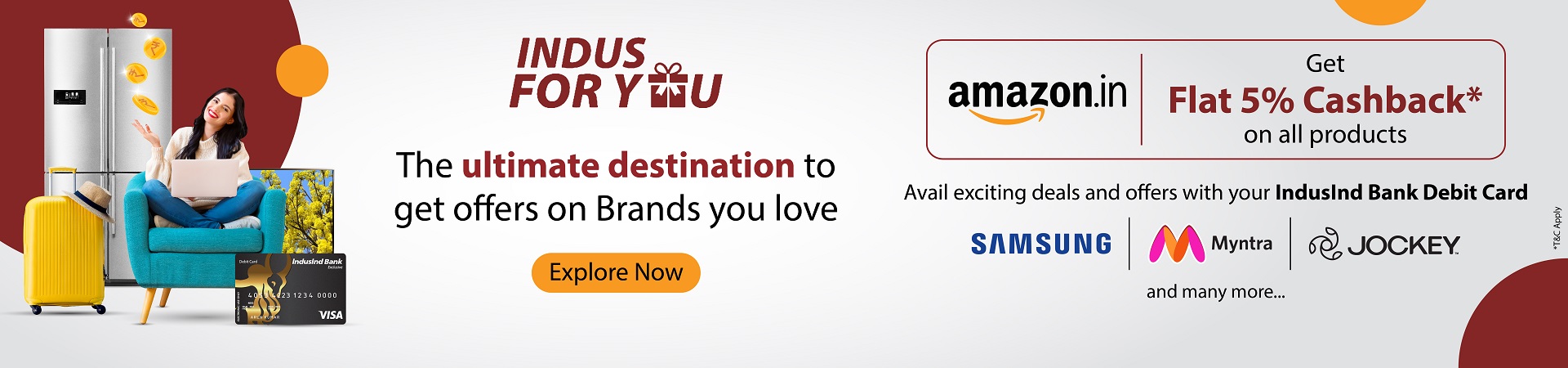
Indus For-You: The Ultimate Destination To Explore

Debit Card Reward Carnival: Win amazing vouchers worth upto Rs 500/- every month when you shop using IndusInd Bank Debit Card.

Know More

FD Rate FD Rate
FD Rate
Regular Fixed Deposit

up to 7% interest p.a

Senior Citizen

up to 7.5% interest p.a

BOOK FD